
Editorial desk online Independent · Not affiliated with Dream11 Last reviewed: 21 Jul 2026

Dream11 login: a safe troubleshooting workflow.

Verified: 21 Jul 2026Editorial review: Dream11 Today deskSafety: Never enter credentials on a third-party page

Recover account access without ever typing credentials into a third-party form. The login troubleshooting guide below maps common login problems to verified fixes, and links to the official support channel for issues you cannot fix yourself.

Adult preparing for a safe account-access session at a tidy home desk.

The login troubleshooting guide below is not affiliated with the operator. It exists because login is the single most common moment a player is phished — fake "Dream11 Support" pages ask for your password, fake "OTP verification" pages ask for your OTP, fake "KYC update" pages ask for your PAN. The fix for every login problem is the same: never type your password, OTP or PAN into any page other than the official app or the official website.

The only two places you should ever enter your credentials

  1. The official Dream11 app, downloaded from the Play Store or the operator's official site
  2. The official Dream11 website, accessed by typing the URL yourself — never by clicking a link in an email or SMS

Common login problems and their fixes

"OTP not received"

The most common cause is a network delay. Wait 60 seconds, then tap "Resend OTP". If still no message, check your phone's SMS inbox for short-code messages (some phones route them to a separate inbox). If still nothing, the issue is almost certainly with your carrier's SMS routing, not with the operator — try again in 10–15 minutes.

Adult checking device settings before account access.
Device check first — most login problems are device-side.

"Account locked"

Accounts lock automatically after a small number of failed login attempts. Wait 15–30 minutes, then try again with the correct password. If you have genuinely forgotten the password, use the in-app "Forgot password" flow — never reset via an SMS link.

"Phone number changed"

If you no longer have access to the phone number registered on the account, you cannot log in via the standard OTP flow. Use the in-app help flow to start a phone-number-change request. You will be asked to verify identity with PAN, last deposit amount, and a recent contest entry. The full process can take 48–72 hours.

"KYC pending"

KYC pending means the operator has not yet verified your PAN. This is not a login problem per se — you can usually still log in and view your account, but deposits and withdrawals are paused. See wallet and KYC for the full verification workflow.

"App crashes on login"

Clear the app's cached data (Settings → Apps → Dream11 → Storage → Clear cache). Restart the phone. Try again. If the issue persists, uninstall and reinstall from the Play Store — your account is server-side and survives the reinstall.

Password hygiene

A daily fantasy account password is not just a login; it is the gateway to your PAN, your bank details and your withdrawal. Treat it accordingly: unique password (not shared with email or banking), stored in a password manager, never written into a chat message or email. See responsible-play guide for the broader account-security context.
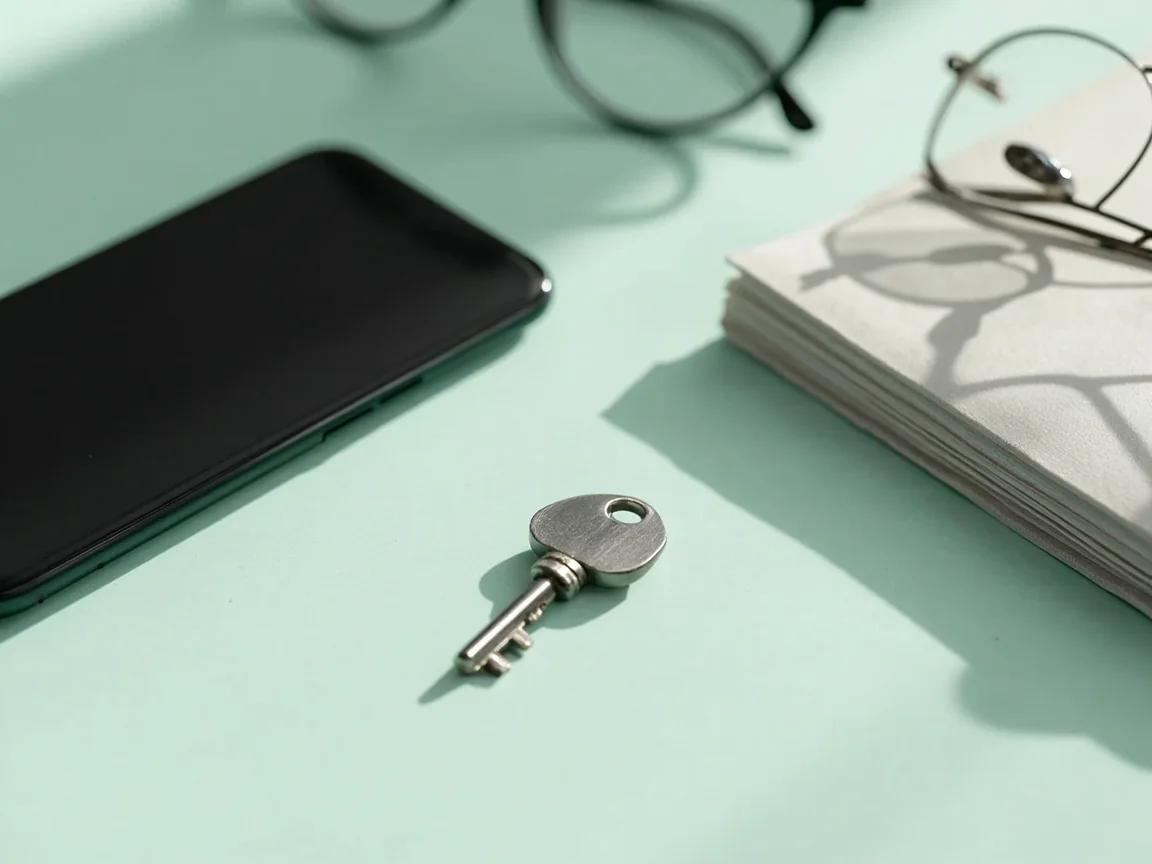
Hardware security key beside a notebook for password hygiene.
A unique password and a hardware key are cheap; the alternatives are expensive.

If you cannot fix it yourself: support escalation

The legitimate support channel is inside the app (Help → Contact support) or on the operator's official website. The operator does not ask for your password over chat, does not ask for your full PAN over chat, and does not ask you to install remote-support software. If a "support agent" asks for any of these, end the chat — it is not the operator.


Adult documenting an account-access issue beside a phone with screen hidden.
Document the issue on paper before you contact support. Screenshots evaporate.

FAQ

I clicked a "Dream11 Support" link in an SMS and entered my password. What do I do?
Change your Dream11 password immediately via the in-app flow. Change the password on any other account that used the same password. Monitor your bank account for unauthorised transactions and consider a fresh PAN re-verification via the in-app KYC flow. See the customer-care guide for how to verify a legitimate support channel.
The app says my number is already registered but I never registered.
Contact support via the official app flow with PAN and last-known deposit details. The operator can verify whether the registration was a typo or an identity-theft attempt.
Can I have two accounts?
No. The operator's terms typically allow one account per person. Multiple accounts can be closed without notice.

Login safely, then read the broader security story.

Account access is one piece of a larger security story. Read the responsible-play guide and the customer-care verification guide for the rest.

Why login is the most impersonated surface

Login pages are the most impersonated surface of any consumer product, and real-money gaming is no exception. The reason is simple: a phishing site that mimics the login flow can capture credentials, then use them to log into the real platform. Even with two-factor authentication enabled, a phished password is enough to start a credential-stuffing attack against other accounts the user owns (most people reuse passwords across multiple sites).

The anatomy of a Dream11 phishing page

A typical phishing page mimics the operator's visual identity: the brand colours, the logo (often copied from the official site), the contest-grid layout (sometimes screenshots from social media), and a login form that asks for phone number and password. The URL is the give-away: look-alike domains like "dream1l-login.com" or "dream11-help.net" instead of the operator's primary domain. The padlock is usually present (HTTPS is cheap), but the certificate is for the look-alike domain.

Once you enter your phone number and password, the phishing site forwards the credentials to the attacker and either redirects you to a fake "session expired" page or to the operator's real login page. The user often does not realise anything has happened until the account is misused hours or days later.

What to do if you have entered your password on a phishing page

Change your Dream11 password immediately via the in-app flow (Profile → Security → Change password). Change the password on every other account that used the same password — particularly email and banking. Enable two-factor authentication on every account that supports it. Monitor your bank account and UPI app for unauthorised transactions. Open a support ticket via the in-app flow to flag the phishing incident to the operator's security team; the operator may add additional verification steps to your account to prevent unauthorised withdrawals.

Two-factor authentication: turn it on

The operator offers two-factor authentication via OTP for every login attempt from a new device. Turn it on in Profile → Security. The cost is one extra step per login from a new device; the benefit is that a phished password alone is not enough to access your account. For real-money accounts this is one of the single highest-leverage security steps you can take.

Editorial addendum: a closing reflection

This guide is part of the Dream11 Today editorial library, an independent publication not affiliated with Dream11, Dream Sports or any real-money gaming operator. The desk's purpose is to publish research-first, evidence-led guides that help Indian adults decide whether real-money fantasy fits their situation and, if so, how to navigate the platform's product, legal and account flows with as few avoidable mistakes as possible.

Every guide on this site follows the same editorial standards: claims are sourced where they are not common knowledge; volatile information (bonus terms, scoring rules, legal status) carries a "verified on" stamp and is reviewed within 30 days; commercial links carry rel="sponsored nofollow" and an adjacent disclosure; and the editorial position is unaffected by commercial relationships. The standards apply equally to the most casual beginner guide and to the most technical APK safety walkthrough.

If you have read this far, you are already doing the editorial work the desk exists to encourage. The next step is to apply what you have read: set a deposit cap on day one; bookmark the operator's official channels; bookmark the responsible-play page; keep a notebook of every contest; re-read the standards after every month of play. Habits compound; predictions do not.

For corrections, sourcing questions or disclosure queries, use the contact page. We aim to respond within seven working days. For product support, use the operator's in-app flow (Help → Contact support) — the desk does not have access to the operator's account systems and cannot resolve product issues.

Finally, a reminder: real-money fantasy is entertainment, not income. The platform's rake structure means the average player loses money over time; no honest publication can promise a profit. Treat every contest entry as spent money; set a hard monthly cap; step away the moment the experience stops being fun. If the platform is no longer working for you, the responsible-play guide explains how to opt out cleanly.

PLAY NOW